Importing Project Data

Contents
You can import project data into your current Ple4WIn project from an existing Ple4Win project database (defined as secondary database) or from a suitable Excel file. If the secondary database is defined, you can choose whether to import the project data or to import data of a specific Design Function only.

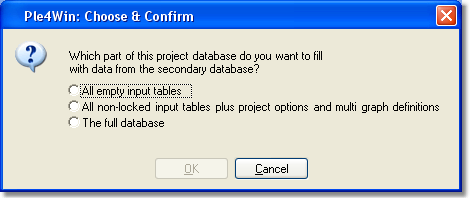
1.Select from the main menu File > Import > Project from Secondary... 2.Select one of the available options
3.Click OK to confirm and project data will be imported from the secondary database into the current project.
|


1.Select the Design Function from the Roadmap 2.Select from the main menu File > Import > Function X from Secondary, where X is the number of the current active Design Function 3.Click OK to confirm the action
|
Please see topic 'Import Data Tables'. |
Last changed: 05/12/2017